Find your
generator.
Start with two photos and a guided workflow. Find a tool that fits your references, creative direction, and budget.
The viral orange-booth video. Your own cast.
Find your workflow, get the prompt, and make a two-person performance worth sharing.


Start with two photos and a guided workflow. Find a tool that fits your references, creative direction, and budget.
Work with available free credits, your own clips, or a simple manual edit.
See free methods ↗Choose your cast, set the scene, and fine-tune the details for Kling, Higgsfield, or another model.
Build a prompt ↗| Tool | Two People | Motion / Reference Support | Free Option | Difficulty | Best For | Guide |
|---|---|---|---|---|---|---|
| Higgsfield | Model-dependent | Image / motion references vary by model | Check provider | Beginner–intermediate | Exploring guided reference workflows | Guide ↗ |
| Kling | Start image or supported reference mode | Depends on model and access | Limited free credits may be available | Intermediate | Animating a prepared two-person scene | Guide ↗ |
| Seedance | Depends on model and provider | Multimodal references in supported versions | Check provider | Intermediate | Prompt and reference-led creative control | Prompt ↗ |
| CapCut | Arrange two subjects in an edit | Own clips or available templates | Free and paid features vary | Beginner | Editing, timing and adding audio | Guide ↗ |
| Other / Generic AI Video | Verify before choosing | Depends on model | Varies | Varies | Using a tool you already know | How-to ↗ |
AI video tools change quickly. Features and pricing may change, so always verify the latest details on the provider's official site. “Best” means suited to your workflow, not a tested ranking. No tool guarantees two-person identity consistency.
One clear, front-facing subject per image. Use good lighting and similar framing.
Avoid group photos, blur, extreme side profiles, and faces covered by glasses or hands.
Keep each reference on one side to help reduce swapped identities, merged faces and drift.
Start with a guided tool, or take control with a custom prompt.
Review the visual first. Then add licensed or platform-provided sound in TikTok, Instagram Reels or CapCut.
Keep only clips with stable faces and clean movement.
Prompts are created in your browser. Nothing is uploaded.
This creates a text prompt, not a video. Paste it into your chosen AI tool; results depend on the model and references.
Start with an idea. Make it yours.
The essential two-person orange studio setup.
Create a vertical 9:16 performance video featuring A friend in a cream jacket on the LEFT and A friend in a dark jacket on the RIGHT inside a minimalist orange recording booth. Include exactly two subjects and a suspended studio microphone fixed at the center between them.
An easygoing performance with your favorite duo.
Create a vertical 9:16 performance video featuring A friend in a cream jacket on the LEFT and A friend in a dark jacket on the RIGHT inside a minimalist orange recording booth. Include exactly two subjects and a suspended studio microphone fixed at the center between them.
A coordinated duo with warm, cinematic lighting.
Create a vertical 9:16 performance video featuring One partner in a white shirt on the LEFT and The other partner in a black jacket on the RIGHT inside a minimalist orange recording booth. Include exactly two subjects and a suspended studio microphone fixed at the center between them.
Office energy, meet the recording booth.
Create a vertical 9:16 performance video featuring A coworker in a navy blazer on the LEFT and A coworker in a gray cardigan on the RIGHT inside a minimalist orange recording booth. Include exactly two subjects and a suspended studio microphone fixed at the center between them.
A playful duo with natural animal movement.
Create a vertical 9:16 performance video featuring An owner in a cream sweater on the LEFT and Their medium-sized golden retriever with a solid golden coat on the RIGHT inside a minimalist orange recording booth. Include exactly two subjects and a suspended studio microphone fixed at the center between them.
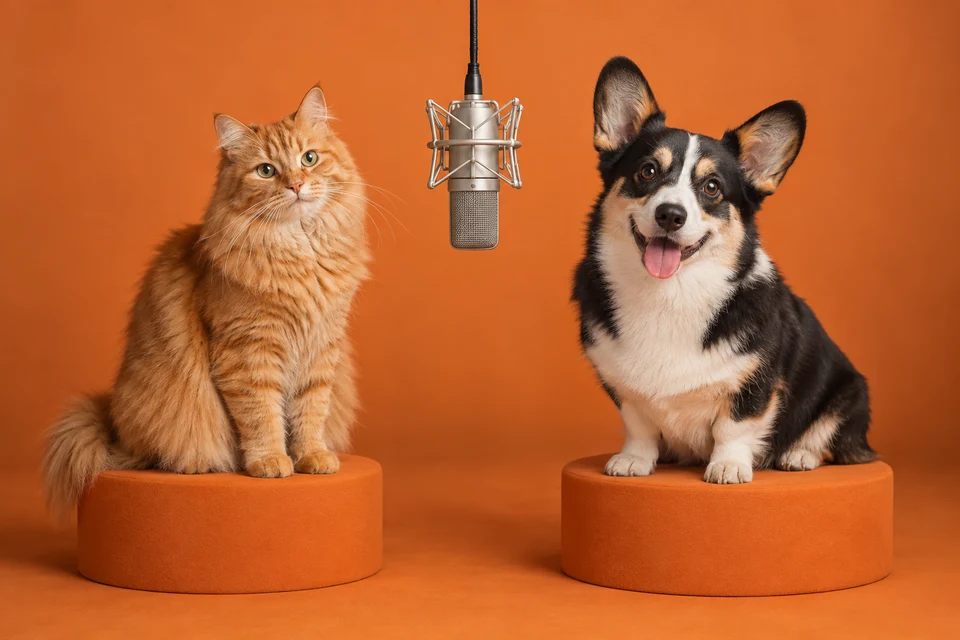
Two distinct pets. One very serious microphone.
Create a vertical 9:16 performance video featuring A small orange tabby cat with striped fur on the LEFT and A medium-sized black and white corgi with a white chest on the RIGHT inside a minimalist orange recording booth. Include exactly two subjects and a suspended studio microphone fixed at the center between them.
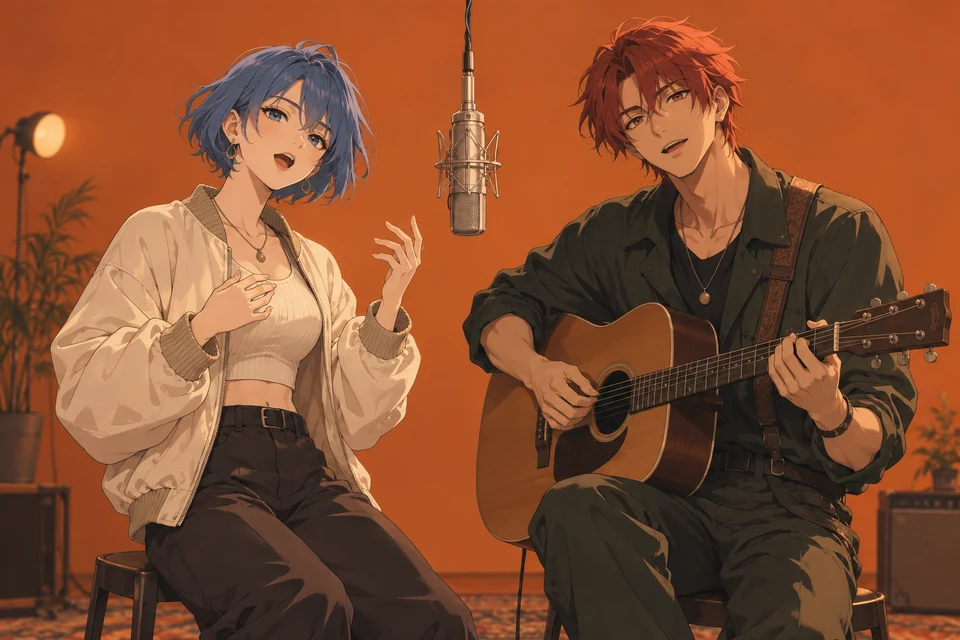
Your original characters in a stylized studio.
Create a vertical 9:16 performance video featuring An original blue-haired character on the LEFT and An original red-haired character on the RIGHT inside a minimalist orange recording booth. Include exactly two subjects and a suspended studio microphone fixed at the center between them.
One identity, two outfits, two separate performers.
Create a vertical 9:16 performance video featuring The same person wearing a cream jacket on the LEFT and The same person wearing a dark jacket on the RIGHT inside a minimalist orange recording booth. Include exactly two subjects and a suspended studio microphone fixed at the center between them.


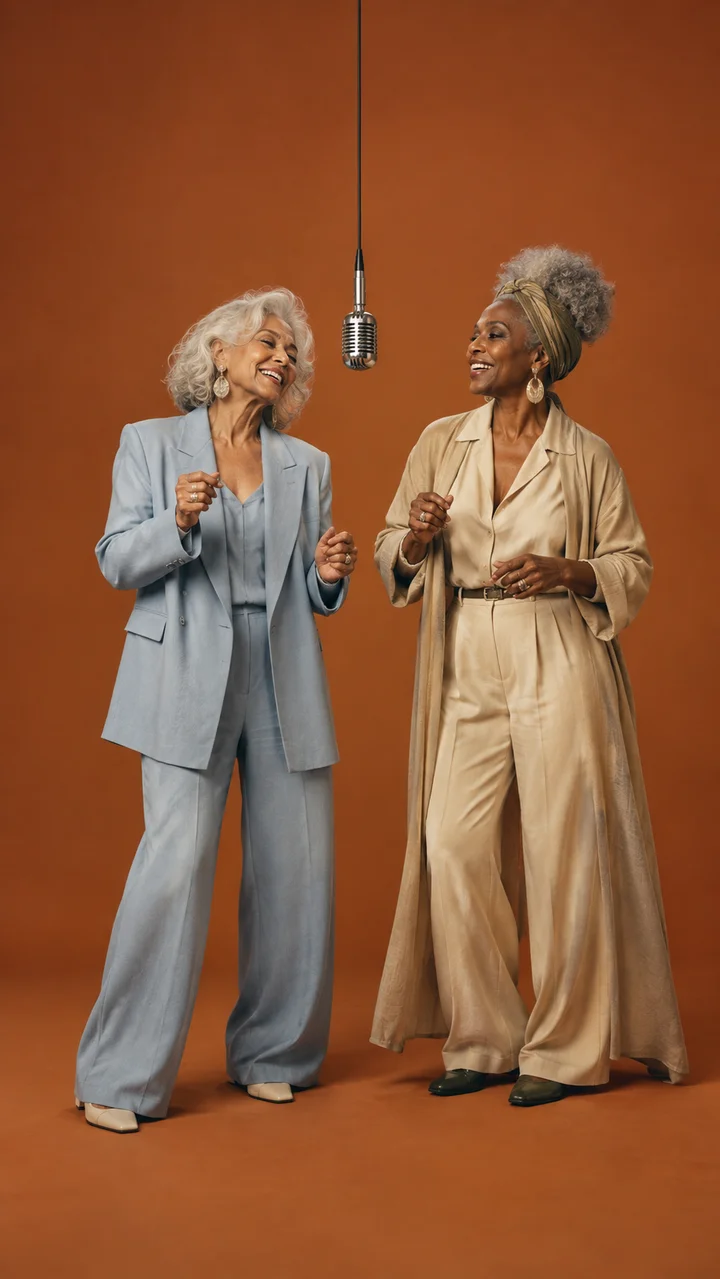
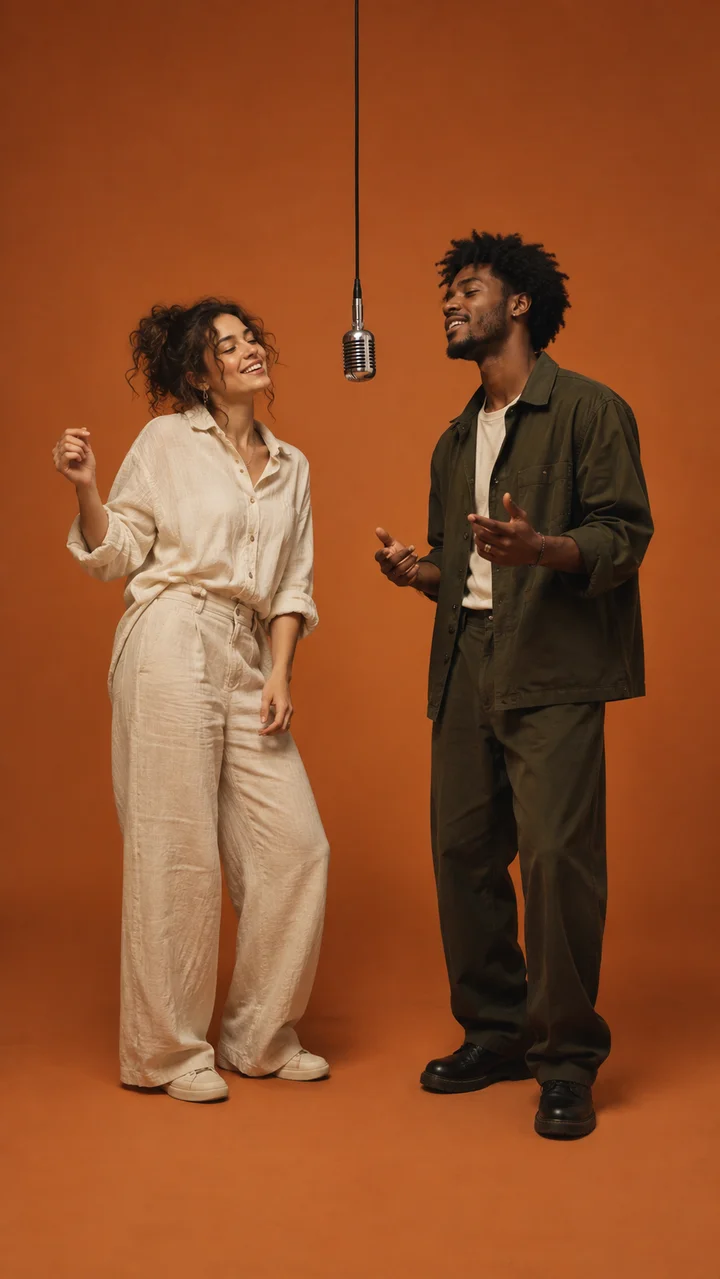
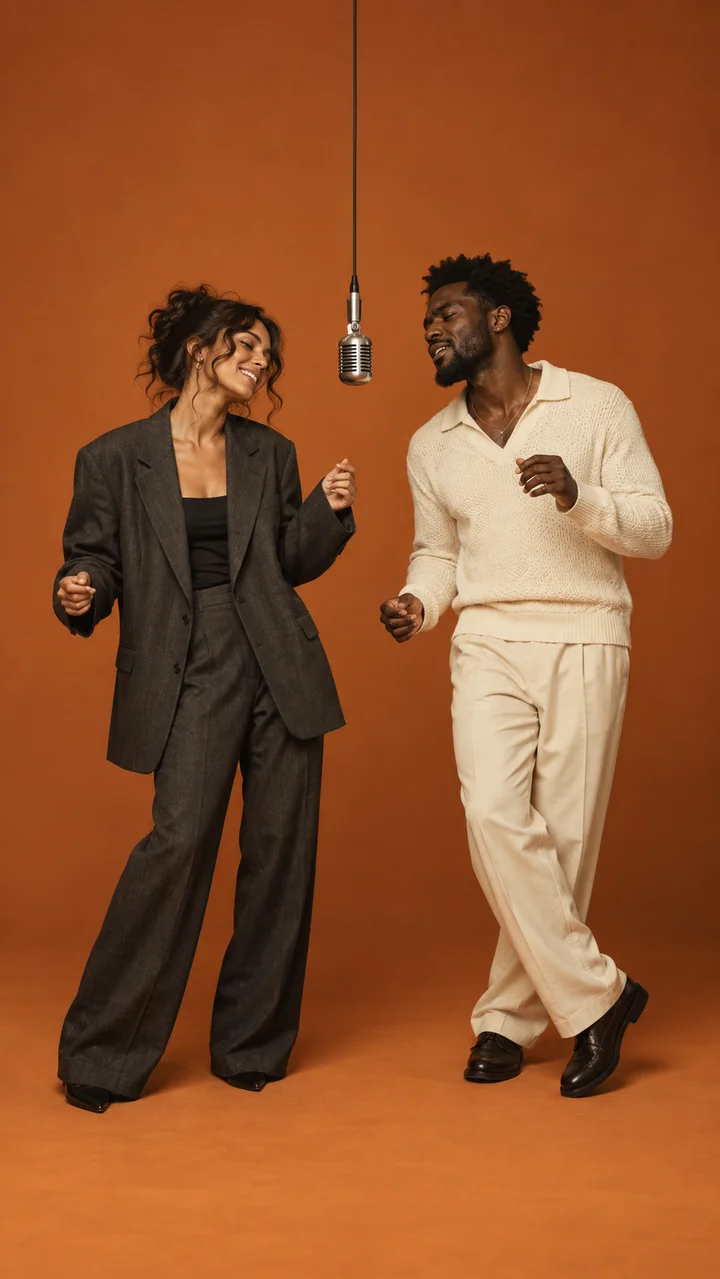
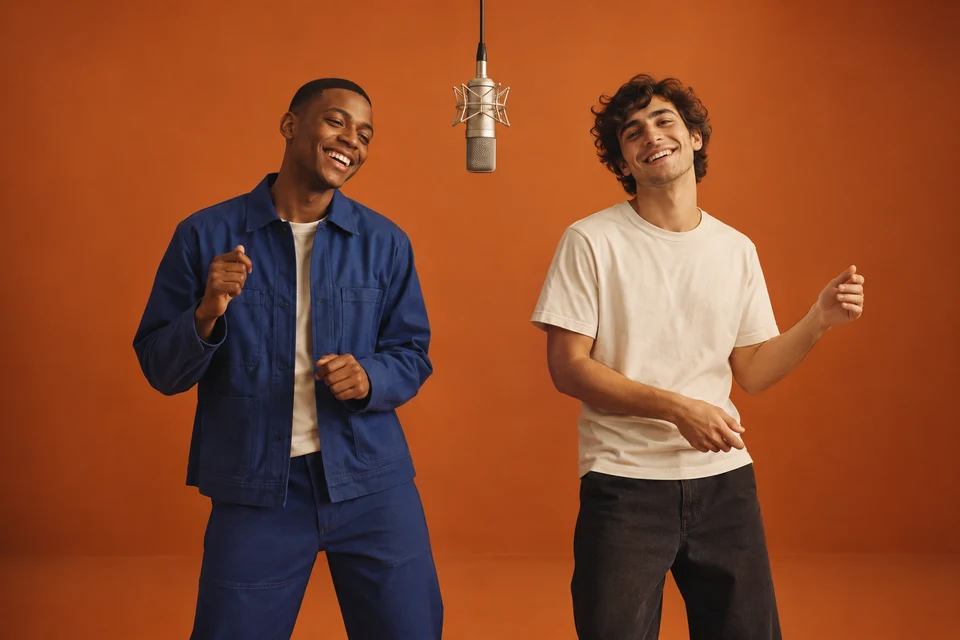
Original AI concept images, not video outputs or demonstrations of a specific generator.
Two-person generation can lose track of identity. Use separate clear reference images when supported, explicitly assign LEFT and RIGHT, and avoid ambiguous group photos. If the model accepts one image, prepare a two-person composition with distinct outfits first.
Subject merging happens when the model treats two descriptions as one identity. Describe distinctive hair, clothing and facial details for each subject. Simplify the action and keep space between them.
Some models handle multiple moving subjects less reliably. Ask for a small head bob from the left subject and a gentle shoulder movement from the right. Start with a short clip and one simple action per subject.
This is temporal identity drift. Shorten the shot, reduce camera motion, keep faces visible and avoid turns or occlusions. Inspect the entire clip; a good opening frame does not guarantee a consistent ending.
Hands and overlapping limbs remain difficult for generative video. Use small gestures, keep hands apart and avoid crossing the microphone. Regenerate or trim the affected portion instead of relying on stronger wording alone.
Many workflows generate visuals separately. Even tools with generated audio do not automatically include rights to a commercial song. Add licensed or platform-provided sound in your editor or publishing app.
Focus on the visual structure: minimalist orange studio, exactly two subjects, centered microphone, simple camera, matching framing and stable left/right positions. You do not need to copy an existing video to establish the concept.
A familiar setup.
An entirely new cast.
The Hotel Lobby AI trend is a remix and character-replacement video format built around a recognizable visual idea: two performers, an orange studio, and a microphone between them. The appeal is seeing a familiar performance setup with an unexpected cast. In creator searches, “Hotel Lobby AI” usually refers to making this kind of clip, rather than designing a hotel or using hospitality software.
People adapt the concept with friends, couples, coworkers, pets, or fictional characters. Some remixes feature public figures, but a recognizable face is not a requirement. Original characters and photos used with permission can make the idea personal while giving you more control over the result. This creator hub is independent of the artists and performance platform associated with the reference aesthetic.
The practical challenge is keeping two subjects distinct over time. A convincing first frame can still turn into swapped faces, blended features, or changing outfits as the video progresses. Clear reference images, fixed left and right positions, a simple camera, and restrained movement give a model a more manageable task. These choices improve the brief; they do not guarantee the output.
There is no single required generator or universal one-click method. Some creators work with references and an AI video model; others assemble an orange-studio edit from their own photos or footage. Availability, model access, and free credits differ between providers. Treat any template as a starting point and check what it actually includes before using it.
To make your own version, start with the two-person video tutorial, then customize a Hotel Lobby AI prompt. Generate or edit the visuals first and add licensed or platform-provided audio afterward. For more context, read the trend guide. The goal is an original take on the format, with a cast and creative direction that are yours.
It is a creator term for an AI remix format featuring two subjects performing in an orange studio with a central microphone. This site helps you plan and prompt your own version.
Prepare references, fix left and right positions, choose an external video workflow, then generate a short visual and add licensed audio. Our how-to guide walks through each step.
There is no single required AI. Creators can use image-to-video or reference-based workflows in tools such as Higgsfield, Kling or Seedance. CapCut can help assemble and edit the result.
Prompts here are free. External tools may offer free credits or trials, but availability changes. A manual edit using your own footage can avoid AI generation charges.
Yes, when your chosen workflow supports the references or a combined start image. Get permission to use their photos and clearly assign each person to one side.
The model can confuse subjects during motion. Distinct references, fixed positions and restrained movement can help, but a prompt cannot guarantee perfect identity consistency.
You can adapt the prompt to pets or original characters. Describe species, markings and anatomy, and use reference material you have permission to use.
This website generates text prompts only. It does not generate videos or provide music. Add audio through a licensed source or a platform sound library under its applicable terms.
No. It is an independent informational and creator resource, with no affiliation to the artists, performance platform or tools mentioned.